About the app
Built by one person who got tired of guessing
WifiHeatmap is a free Android Wi-Fi analyser and indoor site survey app. It measures the radio instead of guessing at it — and it does all of that without a single byte leaving your phone.
Why this app exists
Most Wi-Fi analyser apps show you a list of access points and a bar chart. That is useful, but it answers the wrong question. Knowing that four networks are on channel 6 tells you nothing about whether your signal survives the trip from the access point to the far corner of the building.
WifiHeatmap was built to answer the question that actually matters: where is my coverage, and where is it failing? That means measuring the space — walking it, sampling it, and interpolating between the samples — rather than only inspecting the radios.
It is also built the way a privacy-first tool should be: fully offline, no account, no telemetry and no advertising SDKs. The Play Store data-safety form says it plainly: no data collected, no data shared.
How it happened
From a community fork to a full survey tool
- 01
A fork, not a fork-in-the-road
WifiHeatmap began as a contribution to the WifiHeatmap project by VREM Software Development. The goal was never to fork for its own sake — it was to add the things the original project was missing: floorplan heatmap surveying, modern network diagnostics and a full redesign of the interface.
- 02
Offline was the constraint that shaped everything
Building the heatmap survey meant solving step tracking, heading fusion and signal interpolation on-device. Once the architecture was on-device, extending that to every other feature was the natural path — and it happens to be the right privacy call as well.
- 03
Released on Google Play
Version 1.0 shipped with the floorplan survey, the tri-band spectrum analyser, the channel rating engine, the access point inspector and the network toolkit. The listing is live with a data-safety declaration of no data collected and no data shared.
- 04
Private by construction
Every survey, scan, graph and export happens on the device. There is no account to create, no cloud to sync to and no analytics SDK watching anything — the app has nothing to sell because it has nothing about you.
In action
Light and dark, on every screen
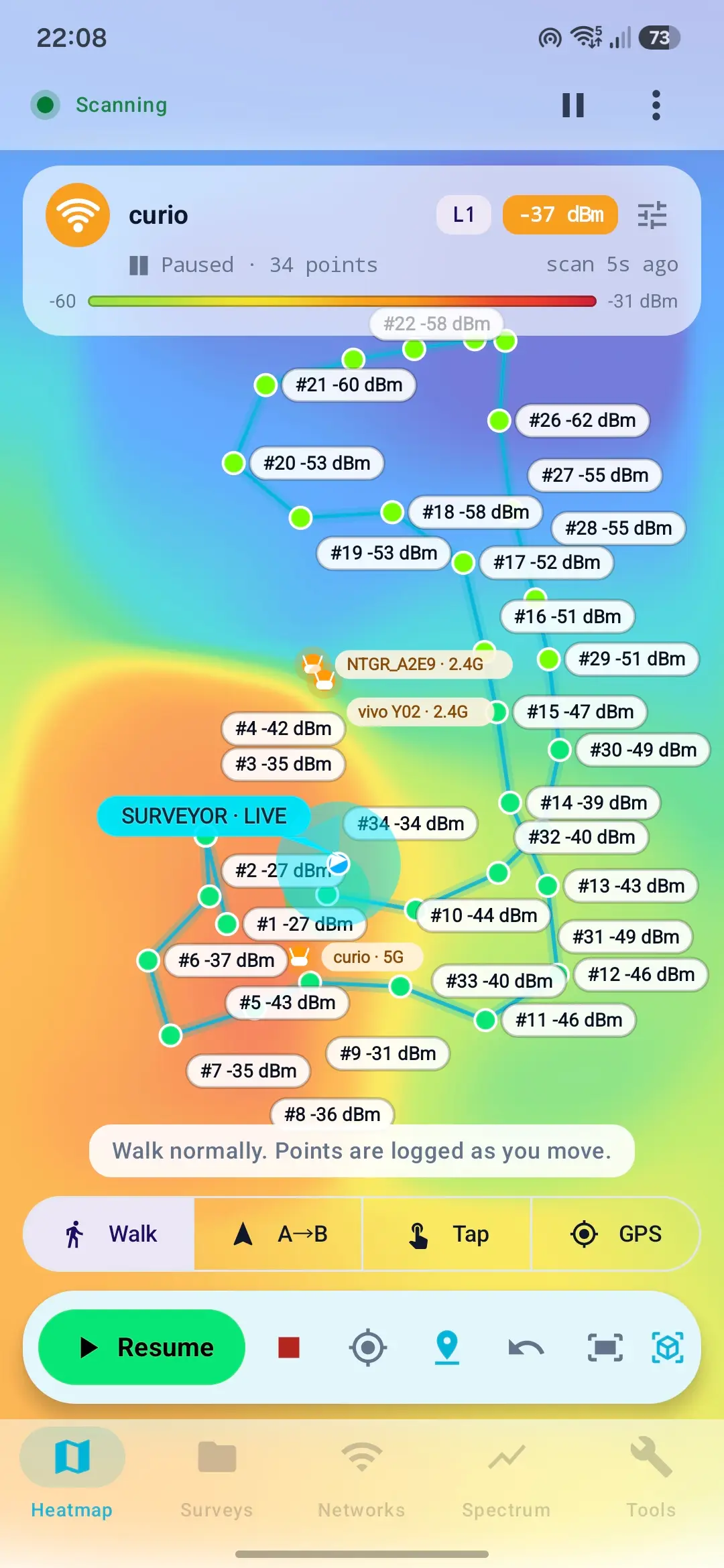
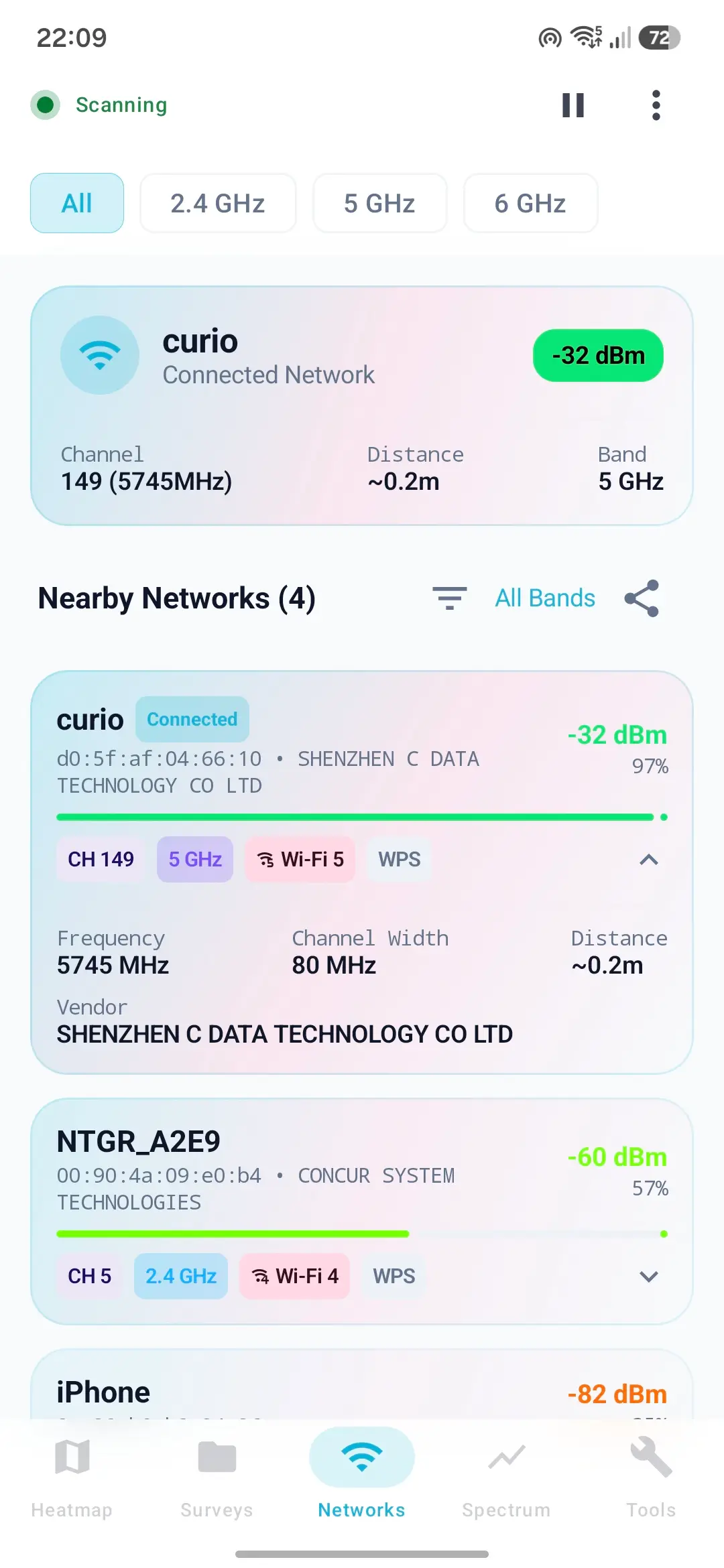
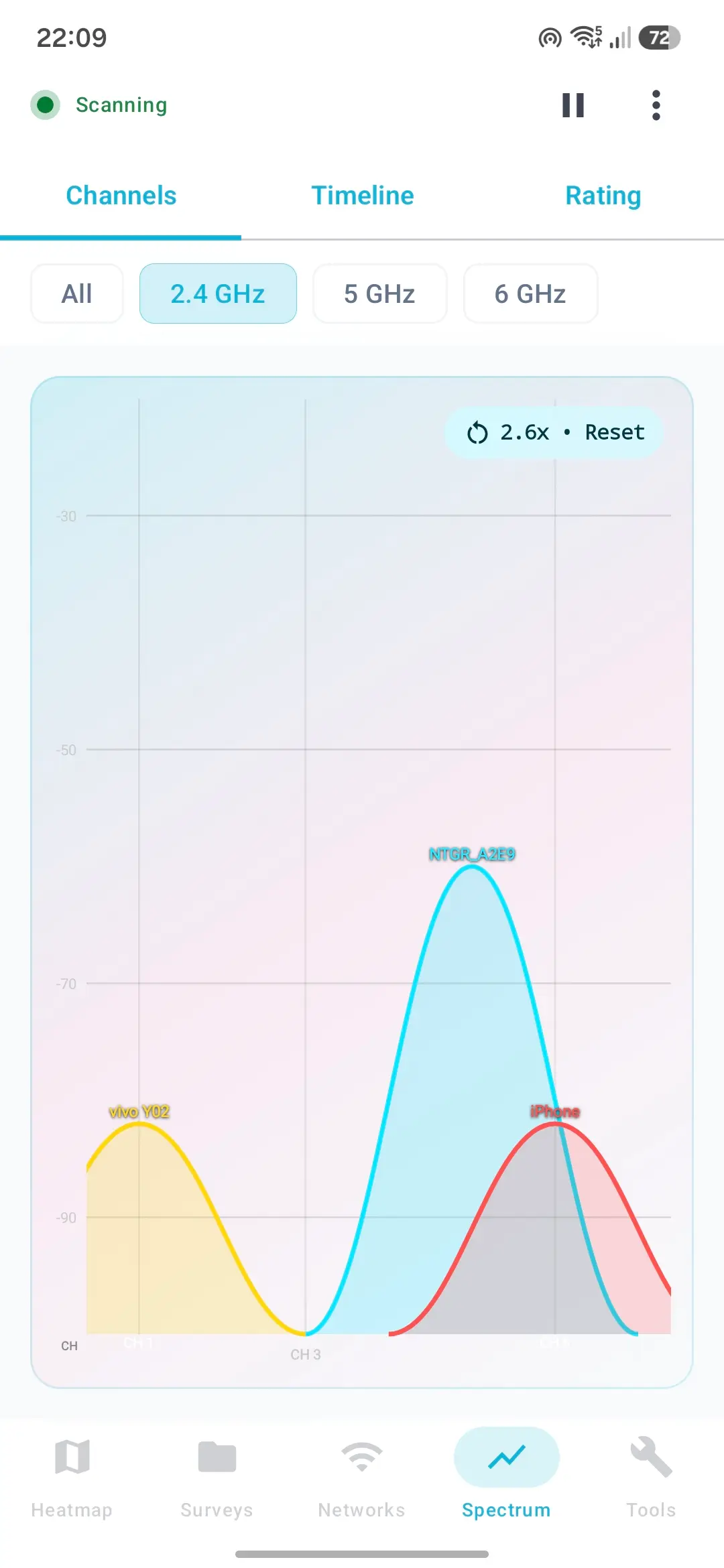
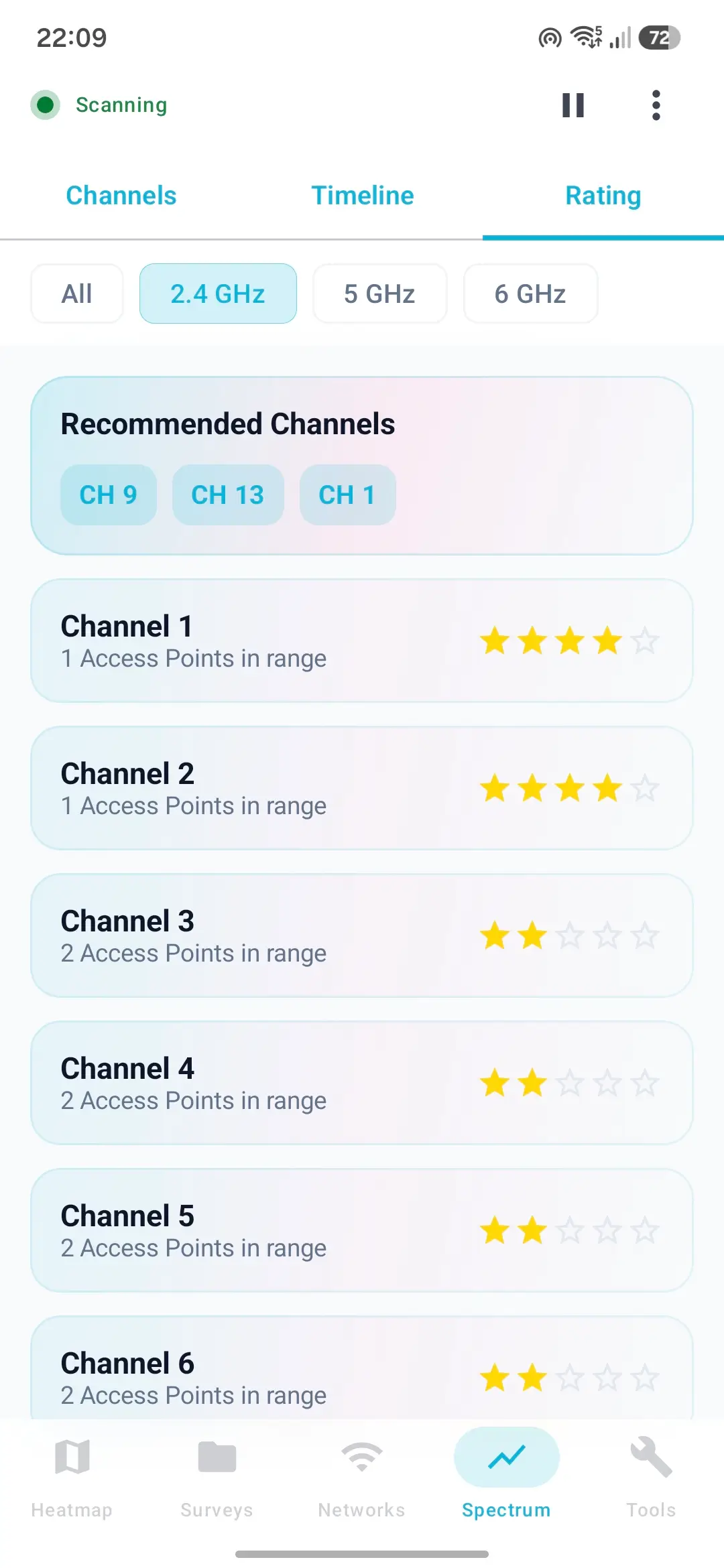
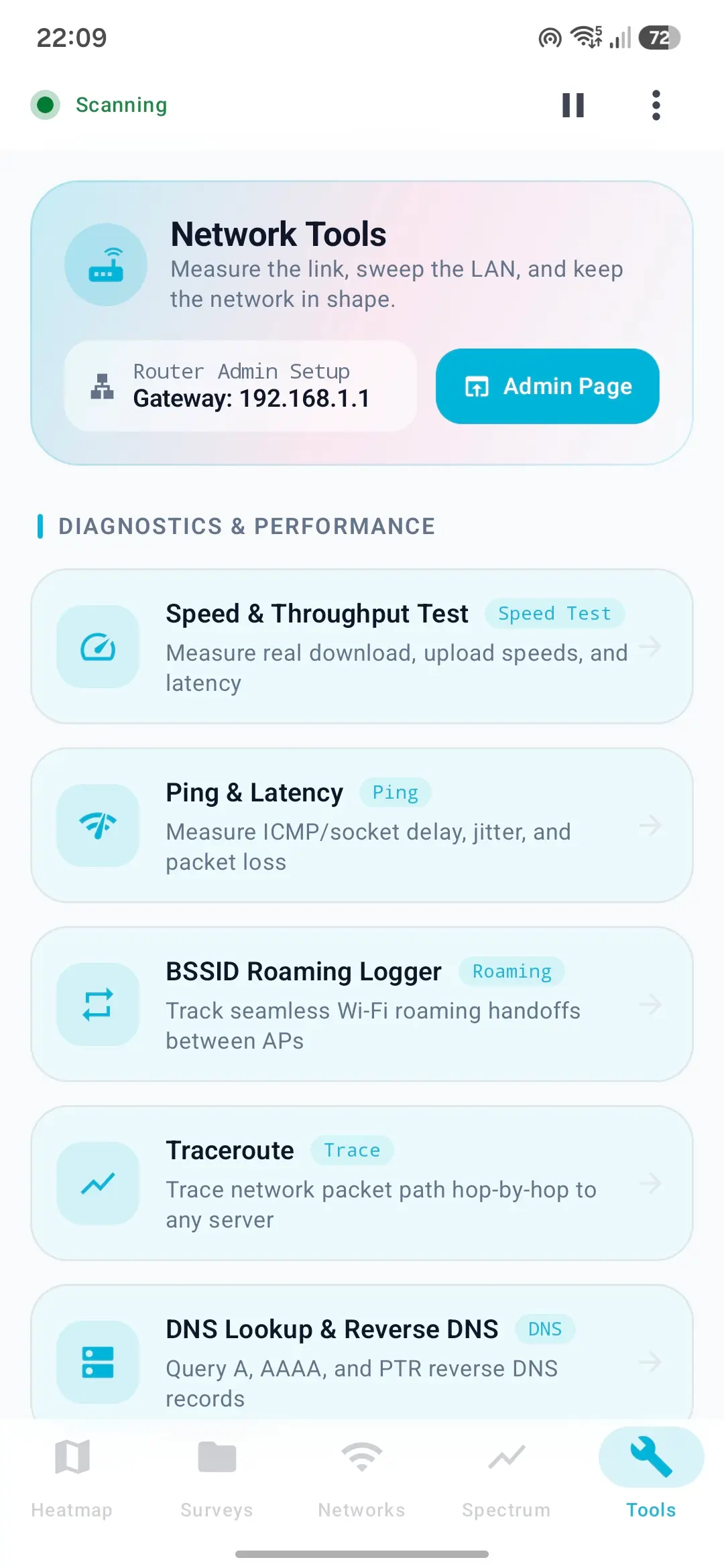
WifiHeatmap ships with dark, light and system themes, and a compact or complete access point view — so it reads correctly on an OLED phone in a dark server room or in direct sunlight.
Principles
Four rules the app has never broken
-
Measure, do not guess
Every recommendation is derived from live radio observations. The app never hard-codes which channel is best, because the answer changes with the building.
-
Offline by default
Scanning, graphing, surveying, rating and exporting all work with the radio in airplane mode. The optional network tools are clearly separated from the core analysis.
-
Minimum permissions, explained
Only the permissions Android genuinely requires for Wi-Fi scanning and step counting — and every one of them is documented in plain language in the privacy policy.
-
Nothing collected, nothing shared
The Play Store data-safety declaration says no data is collected and no data is shared — and the privacy policy explains exactly how the app manages that with no account, no cloud and no analytics.
Map your coverage. Ship a better network.
Survey, analyse and optimise your indoor wireless environment with professional precision — offline, with zero cloud telemetry.
Free · Android 7.0+ · No account required · No telemetry